Agentic AI Business Solutions Architect Exam -AB 100 Experience

Hi Folks,

On 14 November, 2025, I took the AB 100 Exam, this post is to share my experience about this exam.

The exam doesn’t look difficult or tricky to me, it feels like a lot to read in short amount of time. Most of the questions revolved around Copilot Studio, Azure AI Foundry, Azure Services for tracking telemetry, Copilot, Dynamics 365 Customer Engagement, Finance and Operations, Supply Chain Management.

While there is nitty-gritty on using Prebuilt agents and Custom Agents using Azure AI Foundry and Agent Governance, choosing right agent for the need but note that no question came up from AI Builder, Licensing as well.

However there were also scenario based questions on strategy using right tool for the need to build agent e.x. Azure Cloud Adoption Framework, Power Platform Well Architected Framework.

As per Exam NDA, exact exam questions may not be shared publicly, I am sharing my experience so that someone preparing for this exam can use this while preparing for taking this exam.

If you want to learn further, you can go through the below link which was recently created by Microsoft….go take a look…

AB 100 Collection

Hope it helps..

Cheers,

PMDY

Python + Dataverse Series – #04: Create records in batch using Execute Multiple

Hi Folks,

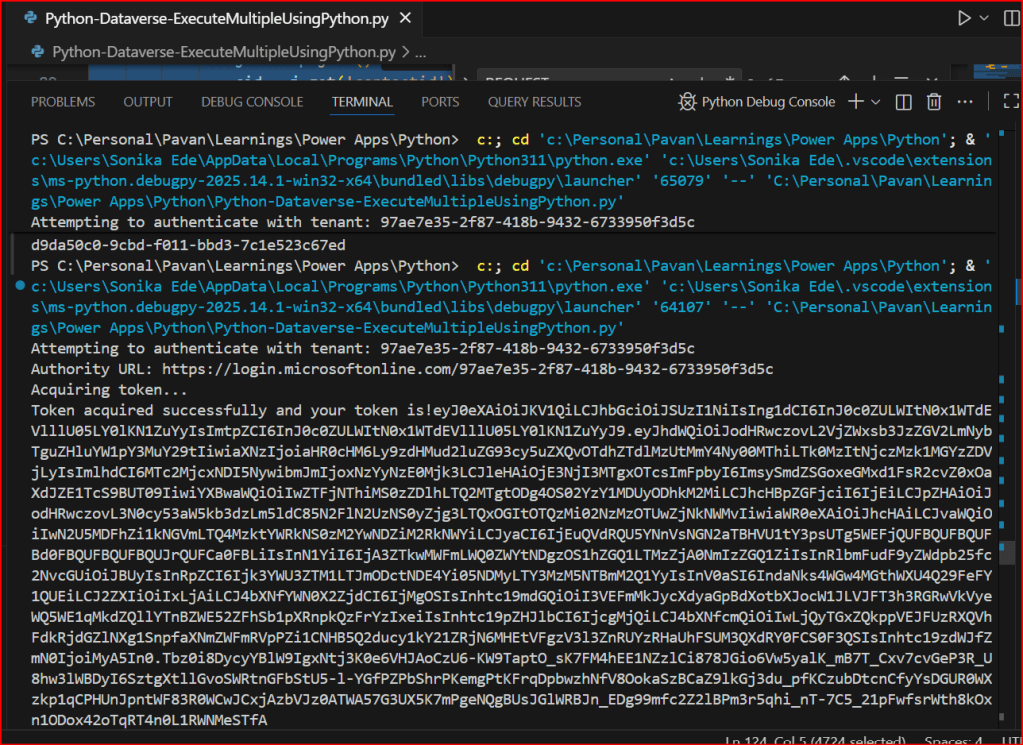
This is continuation in this Python with Dataverse Series, in this blog post, we will see how can we create multiple records in a single batch using ExecuteMultiple in Python.

Please use the below code for the same…to make any calls using ExecuteMultiple…

import pyodbc
import msal
import requests
import json
import re
import time
# Azure AD details
client_id = '0e1c58b1-3d9a-4618-8889-6c6505288d3c'
client_secret = 'qlU8Q~dmhKFfdL1ph2YsLK9URbhIPn~qWmfr1ceL'
tenant_id = '97ae7e35-2f87-418b-9432-6733950f3d5c'
authority = f'https://login.microsoftonline.com/{tenant_id}'
resource = 'https://ecellorsdev.crm8.dynamics.com'
# SQL endpoint
sql_server = 'ecellorsdev.crm8.dynamics.com'
database = 'ecellorsdev'
# Get token with error handling
try:
print(f"Attempting to authenticate with tenant: {tenant_id}")
print(f"Authority URL: {authority}")
app = msal.ConfidentialClientApplication(client_id, authority=authority, client_credential=client_secret)
print("Acquiring token…")
token_response = app.acquire_token_for_client(scopes=[f'{resource}/.default'])
if 'error' in token_response:
print(f"Token acquisition failed: {token_response['error']}")
print(f"Error description: {token_response.get('error_description', 'No description available')}")
else:
access_token = token_response['access_token']
print("Token acquired successfully and your token is!"+access_token)
print(f"Token length: {len(access_token)} characters")
except ValueError as e:
print(f"Configuration Error: {e}")
except Exception as e:
print(f"Unexpected error: {e}")
#Get 5 contacts from Dataverse using Web API
import requests
import json
try:
#Full CRUD Operations – Create, Read, Update, Delete a contact in Dataverse
print("Making Web API request to perform CRUD operations on contacts…")
# Dataverse Web API endpoint for contacts
web_api_url = f"{resource}/api/data/v9.2/contacts"
# Base headers with authorization token
headers = {
'Authorization': f'Bearer {access_token}',
'OData-MaxVersion': '4.0',
'OData-Version': '4.0',
'Accept': 'application/json',
'Content-Type': 'application/json'
}
# Simple approach: create multiple contacts sequentially
# generate 100 contacts with different last names
contacts_to_create = [
{"firstname": "Ecellors", "lastname": f"Test{str(i).zfill(3)}"}
for i in range(1, 101)
]
create_headers = headers.copy()
create_headers['Prefer'] = 'return=representation'
created_ids = []
print("Creating contacts sequentially…")
for i, body in enumerate(contacts_to_create, start=1):
try:
resp = requests.post(web_api_url, headers=create_headers, json=body, timeout=15)
except requests.exceptions.RequestException as e:
print(f"Request error creating contact #{i}: {e}")
continue
if resp.status_code in (200, 201):
try:
j = resp.json()
cid = j.get('contactid')
except ValueError:
cid = None
if cid:
created_ids.append(cid)
print(f"Created contact #{i} with id: {cid}")
else:
print(f"Created contact #{i} but response body missing id. Response headers: {resp.headers}")
elif resp.status_code == 204:
# try to extract id from headers
entity_url = resp.headers.get('OData-EntityId') or resp.headers.get('Location')
if entity_url:
m = re.search(r"([0-9a-fA-F\-]{36})", entity_url)
if m:
cid = m.group(1)
created_ids.append(cid)
print(f"Created contact #{i} (204) with id: {cid}")
else:
print(f"Created contact #{i} (204) but couldn't parse id from headers: {resp.headers}")
else:
print(f"Created contact #{i} (204) but no entity header present: {resp.headers}")
else:
print(f"Failed to create contact #{i}. Status code: {resp.status_code}, Response: {resp.text}")
# small pause to reduce chance of throttling/rate limits
time.sleep(0.2)
if created_ids:
print("Created contact ids:")
for cid in created_ids:
print(cid)
except Exception as e:
print(f"Unexpected error during Execute Multiple: {e}")
print("Failed to extract Contact ID from headers.")

Please download this Jupyter notebook to work on it easily using VS Code.

https://github.com/pavanmanideep/DataverseSDK_PythonSamples/blob/main/Python-Dataverse-ExecuteMultipleUsingPython.ipynb

If you want to continue reading this series, follow along

Hope this helps..

Cheers,

PMDY

Python + Dataverse Series – Post #03: Create, Update, Delete records via Web API

Hi Folks,

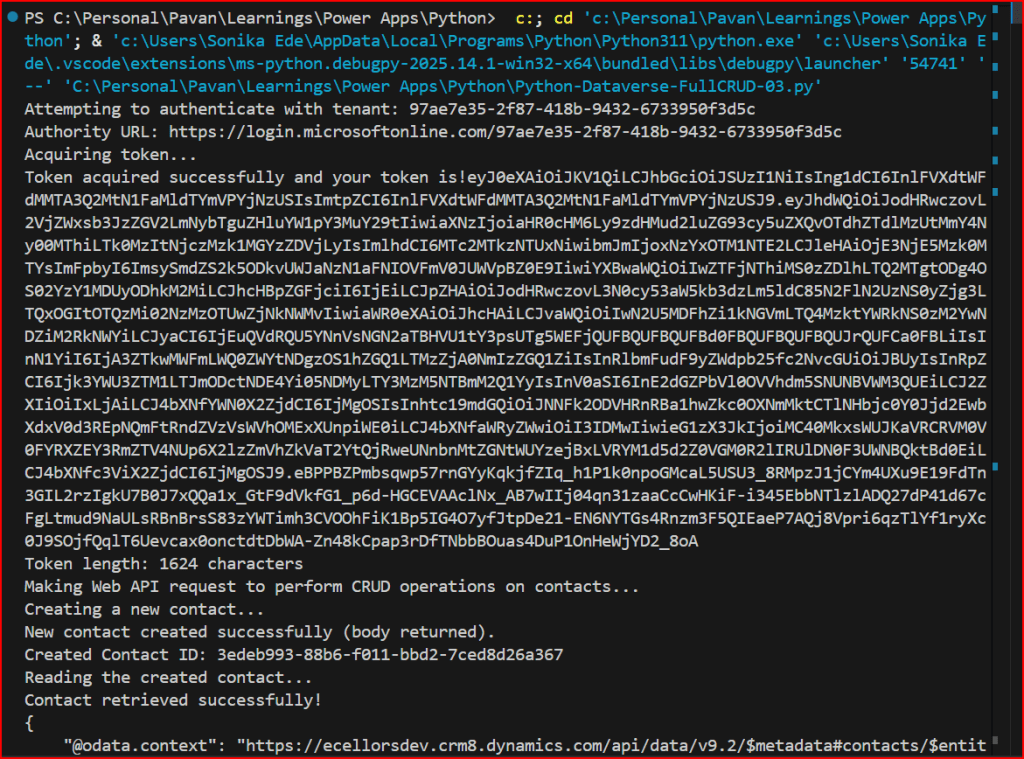
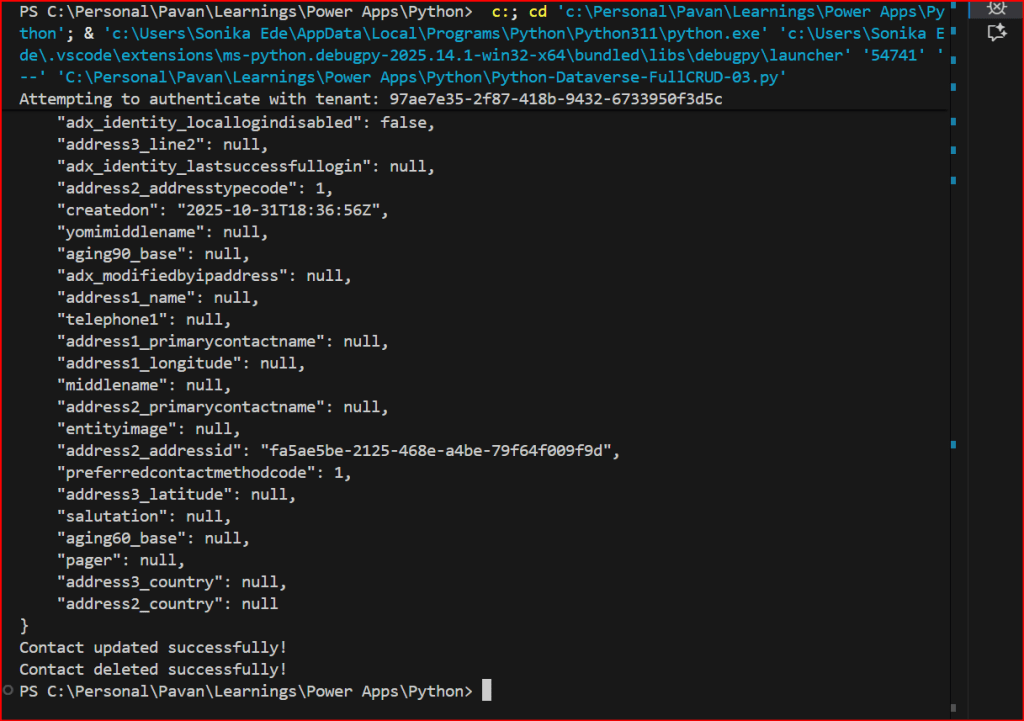
This is continuation in this Python with Dataverse Series, in this blog post, we will perform a full CRUD(Create, Retrieve, Update, Delete) in Dataverse using Web API.

Please use the below code for the same…to make any calls using WEB API to Dataverse.

import pyodbc
import msal
import requests
import json
import re
# Azure AD details
client_id = 'XXXX'
client_secret = 'XXXX'
tenant_id = 'XXXX'
authority = f'https://login.microsoftonline.com/{tenant_id}'
resource = 'https://XXXX.crm8.dynamics.com'
# SQL endpoint
sql_server = 'XXXX.crm8.dynamics.com'
database = 'XXXX'
# Get token with error handling
try:
print(f"Attempting to authenticate with tenant: {tenant_id}")
print(f"Authority URL: {authority}")
app = msal.ConfidentialClientApplication(client_id, authority=authority, client_credential=client_secret)
print("Acquiring token…")
token_response = app.acquire_token_for_client(scopes=[f'{resource}/.default'])
if 'error' in token_response:
print(f"Token acquisition failed: {token_response['error']}")
print(f"Error description: {token_response.get('error_description', 'No description available')}")
else:
access_token = token_response['access_token']
print("Token acquired successfully and your token is!"+access_token)
print(f"Token length: {len(access_token)} characters")
except ValueError as e:
print(f"Configuration Error: {e}")
print("\nPossible solutions:")
print("1. Verify your tenant ID is correct")
print("2. Check if the tenant exists and is active")
print("3. Ensure you're using the right Azure cloud (commercial, government, etc.)")
except Exception as e:
print(f"Unexpected error: {e}")
#Get 5 contacts from Dataverse using Web API
import requests
import json
try:
#Full CRUD Operations – Create, Read, Update, Delete a contact in Dataverse
print("Making Web API request to perform CRUD operations on contacts…")
# Dataverse Web API endpoint for contacts
web_api_url = f"{resource}/api/data/v9.2/contacts"
# Base headers with authorization token
headers = {
'Authorization': f'Bearer {access_token}',
'OData-MaxVersion': '4.0',
'OData-Version': '4.0',
'Accept': 'application/json',
'Content-Type': 'application/json'
}
# Create a new contact
new_contact = { "firstname": "John", "lastname": "Doe" }
print("Creating a new contact…")
# Request the server to return the created representation. If not supported or omitted,
# Dataverse often returns 204 No Content and provides the entity id in a response header.
create_headers = headers.copy()
create_headers['Prefer'] = 'return=representation'
response = requests.post(web_api_url, headers=create_headers, json=new_contact)
created_contact = {}
contact_id = None
# If the API returned the representation, parse the JSON
if response.status_code in (200, 201):
try:
created_contact = response.json()
except ValueError:
created_contact = {}
contact_id = created_contact.get('contactid') or created_contact.get('contactid@odata.bind')
print("New contact created successfully (body returned).")
print(f"Created Contact ID: {contact_id}")
# If the API returned 204 No Content, Dataverse includes the entity URL in 'OData-EntityId' or 'Location'
elif response.status_code == 204:
entity_url = response.headers.get('OData-EntityId') or response.headers.get('Location')
if entity_url:
# Extract GUID using regex (GUID format)
m = re.search(r"([0-9a-fA-F]{8}-[0-9a-fA-F]{4}-[0-9a-fA-F]{4}-[0-9a-fA-F]{4}-[0-9a-fA-F]{12})", entity_url)
if m:
contact_id = m.group(1)
created_contact = {'contactid': contact_id}
print("New contact created successfully (no body). Extracted Contact ID from headers:")
print(f"Created Contact ID: {contact_id}")
else:
print("Created but couldn't parse entity id from response headers:")
print(f"Headers: {response.headers}")
else:
print("Created but no entity location header found. Headers:")
print(response.headers)
else:
print(f"Failed to create contact. Status code: {response.status_code}")
print(f"Error details: {response.text}")
# Read the created contact
if not contact_id:
# Defensive: stop further CRUD if we don't have an id
print("No contact id available; aborting read/update/delete steps.")
else:
print("Reading the created contact…")
response = requests.get(f"{web_api_url}({contact_id})", headers=headers)
if response.status_code == 200:
print("Contact retrieved successfully!")
contact_data = response.json()
print(json.dumps(contact_data, indent=4))
else:
print(f"Failed to retrieve contact. Status code: {response.status_code}")
print(f"Error details: {response.text}")
# Update the contact's email
updated_data = { "emailaddress1": "john.doe@example.com" }
response = requests.patch(f"{web_api_url}({contact_id})", headers=headers, json=updated_data)
if response.status_code == 204:
print("Contact updated successfully!")
else:
print(f"Failed to update contact. Status code: {response.status_code}")
print(f"Error details: {response.text}")
# Delete the contact
response = requests.delete(f"{web_api_url}({contact_id})", headers=headers)
if response.status_code == 204:
print("Contact deleted successfully!")
else:
print(f"Failed to delete contact. Status code: {response.status_code}")
print(f"Error details: {response.text}")
except requests.exceptions.RequestException as e:
print(f"Request error: {e}")
except KeyError as e:
print(f"Token not available: {e}")
except Exception as e:
print(f"Unexpected error: {e}")
view raw FullCRUDWebAPI hosted with ❤ by GitHub

You can use the VS Code as IDE, copy the above code in a python file, next click on Run Python File at the top of the VS Code

Hope this helps someone making Web API Calls using Python.

If you want to try this out, download the Python Notebook and open in VS Code.

https://github.com/pavanmanideep/DataverseSDK_PythonSamples/blob/main/Python-Dataverse-FullCRUD-03.ipynb

Looking to continue following this series, don’t forget the next article in this series

Cheers,

PMDY

Integrating Copilot Studio Agents into a Console got easier – Quick Review

Well, the wait is over, now you can invoke your Agents within Console Application using #Agents SDK.

Thank you Rajeev for writing this. Reblogging it…