
Hello Microsoft Folks,
Everyone in their career will reach a point. At this point, you will raise a Microsoft Support Ticket to report any product issue. You also raise one to seek guidance.
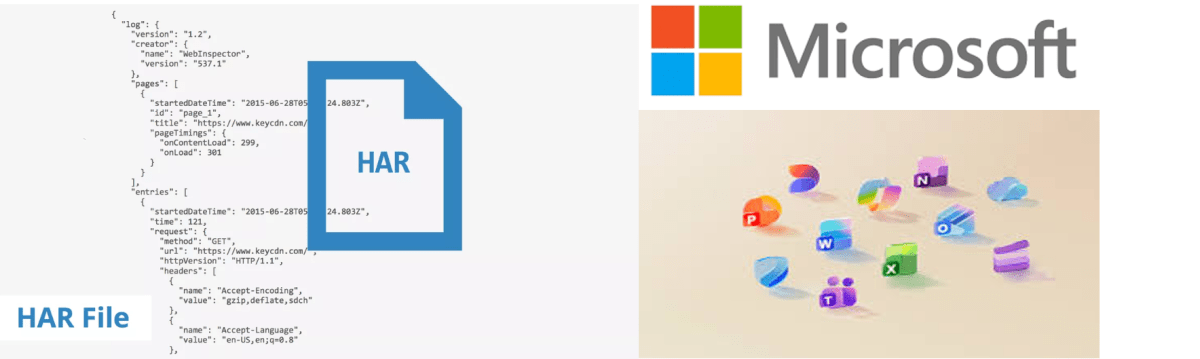
Microsoft Support generally asks to send a HAR File to escalate issues to the Product team. In this blog post today, let’s understand what a HAR File is and why the MS Product team needs it.
A HAR file (HTTP Archive) is a diagnostic capture of everything your browser does during a web session. It includes network calls, payloads, headers, and timings. It also encompasses redirects, failures, and more.
You raise a ticket for Power Apps, Power Automate, or Power BI Service. The product team often needs more than just screenshots. They need detailed information. They can’t reproduce the issue with just images. They need to see exactly what your browser saw.
What a HAR File Includes.. and why Microsoft Product team needs it??
- Think of it as a flight recorder for your browser:
- Network requests Every API call your browser makes
- Failing endpoints or throttling
- Ask/response headers Auth tokens, cookies, metadata To check authentication, region routing, tenant context
- Payloads JSON bodies sent/received To see malformed data, schema mismatches, or server errors
- Timings DNS, SSL, wait time, download time To diagnose latency, timeouts, or CDN issues
- Errors 4xx/5xx responses To pinpoint backend failures
This is the only way the engineering team can see the real sequence of events that caused your issue.
Why It’s Critical for Power Platform Issues
Especially in Power Platform, a HAR file helps diagnose:
• Connector calls failing due to throttling
• Canvas app load failures
• Dataverse API errors
• Authentication loops (AAD, MSAL, cookies)
• Portal/Power Pages rendering issues
• Power BI embedded or service-side failures
• Browser-specific regressions
• Region misrouting or CDN cache issues
You’ve probably seen cases where the UI shows a generic message like Something went wrong.
The HAR file reveals the actual error behind it.
Is It Safe?
A HAR file can contain sensitive data (tokens, cookies, request bodies).
That’s why Microsoft always asks you to:
• Reproduce the issue in a test environment if possible
• Scrub sensitive fields if needed
• Upload via the secure support portal
Microsoft support uses it only for debugging and deletes it after the case is resolved.
With a HAR file, MS Engineers can:
• Reproduce the issue in their internal environment
• Identify whether the problem is client-side, network-side, or server-side
• Trace the exact failing API
• Confirm whether it’s a regression, configuration issue, or tenant-specific problem
• Escalate to the product group with concrete evidence
Cheers,
PMDY
 ECELLORS CRM Blog