

Hi Folks,
This post is about a quick fix for an error occurred with Power Apps CLI.
I was trying to connect to my organization using CLI and that’s when I encountered this error.
Prerequisites:
Power Apps CLI, Visual Studio Code
After installing the prerequisites, I was trying to connect to my Power Pages available in my organization from VS Code terminal using below command.
pac paportalist It’s then I encountered the below error

It’s then I understood that due to inactivity, it is failing…
Your Power Platform CLI connection is failing due to an expired refresh token and an ExternalTokenManagement Authentication configuration issue. Here’s how you can resolve it:
Fix:
Reauthenticate with Dataverse
pac auth clear
pac auth create --url https://orgXXX.crm8.dynamics.com --username admin@Ecellors.onmicrosoft.com --password [your password]
Creating new authentication profile resolves this issue…
Now try to run the above command.
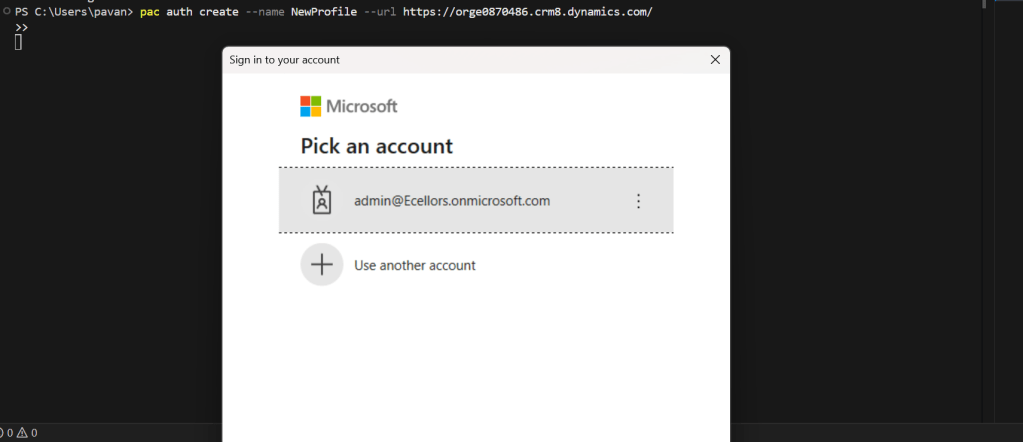
This should prompt a new login window to authenticate your request, provide the details and you should be able to login.
Hope this helps..
Cheers,
PMDY
 ECELLORS CRM Blog